VS-7F3K-9021
Demo Vehicle
Privacy Controlled
Owner-controlled safety view
Ready to open
Loading VaahanSafe Experience...
Vehicle safety identity
A permanent QR-based safety identity that helps people reach the information you choose to make available when your vehicle's QR is scanned.
VS-7F3K-9021
Demo Vehicle
Privacy Controlled
Owner-controlled safety view
Ready to open
VaahanSafe connects a physical vehicle to a scannable safety view. You choose which supported information and contact options are made available when the QR is scanned.
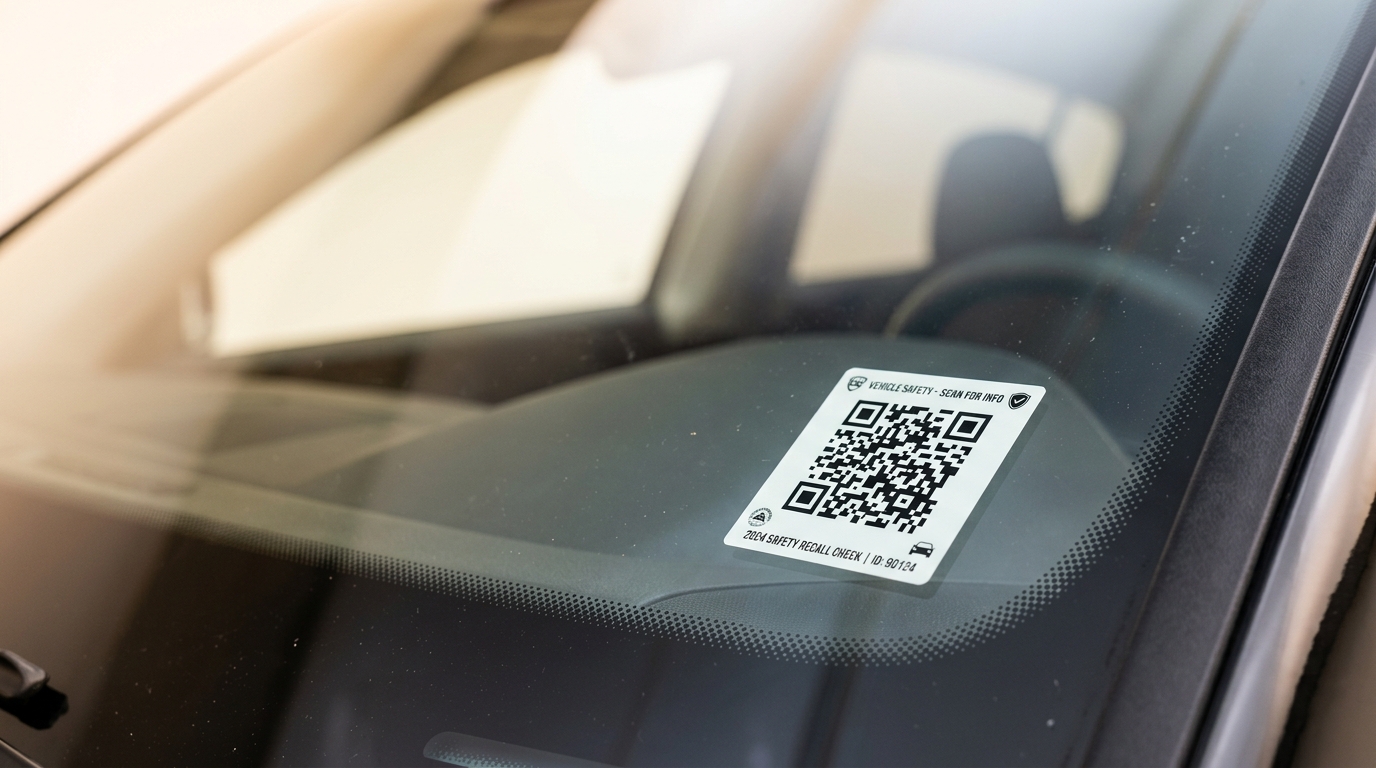
The VaahanSafe QR gives the physical vehicle an entry point to its digital safety identity.
VS-7F3K-9021
Vehicle
Safety view
Owner controlled
Demo Vehicle
VS-7F3K-9021
A scan can bring the selected safety information and contact options into view without exposing the VaahanSafe account itself.
Vehicle
VaahanSafe
Safety view
Vehicle → Identity → Safety View
VaahanSafe connects something physical on your vehicle to a safety view that you control.
Physical vehicle
Place the VaahanSafe QR on your vehicle in an appropriate position, following the placement guidance.
VaahanSafe QR
Placed where it can be found and scannedQR identity
Someone scans the QR with their phone to open the vehicle’s VaahanSafe safety view.
Controlled safety view
The supported safety information and contact options you selected can help someone take the next step.
Demo Vehicle
VS-7F3K-9021
Use an available contact option
Vehicle
Physical worldVaahanSafe
Vehicle identitySafety view
Owner controlledThe VaahanSafe sticker carries a visible vehicle identity and a QR that connects the physical vehicle to its digital safety view.
The visible QR is the entry point to the vehicle's VaahanSafe safety identity.
A readable identity code provides a human-friendly reference alongside the QR.
VS-7F3K-9021
Used during activation of supported retail stickers.
Supported retail stickers can include a concealed activation code used during ownership setup.
The sticker gives the physical vehicle a visible connection to its VaahanSafe identity.
The QR and visible VaahanSafe ID are designed to identify the vehicle's VaahanSafe safety profile.
The concealed activation information is separate from the public vehicle identity and is used only in the retail activation flow.
The QR identifies the vehicle. Activation establishes the connection.
A scan opens a focused safety view containing the information the vehicle owner has chosen to make available.
The finder experience stays separate from the owner dashboard. It is designed around quick identification, selected safety information and a clear way to reach an emergency contact.
The QR leads directly to the vehicle's public safety view.
Only information intended for the public safety profile is presented.
The interface keeps the emergency contact action prominent and easy to understand.
Account details such as private addresses and email addresses are not part of this demo public view.
Demo emergency medical profile. In an accident, please alert the designated emergency contact.
This demo view contains synthetic information and represents only the safety details selected for public display.
The QR opens the door. You decide what is on the other side.
Keep your vehicle, QR identity, emergency contacts and safety profile together in one calm, focused experience.
DL 01 •••• 4821
Your selected public safety information is ready to be presented when needed.
One place for the identity your vehicle carries into the world.
Your retail QR begins as a physical VaahanSafe identity. Activation connects that identity to your account and vehicle.
VaahanSafe
Vehicle Safety Identity
Scan the QR and use the supplied activation information to begin.
Concealed until needed
Illustrative retail package · demo only
Start with the QR on the VaahanSafe sticker you purchased.
Use the concealed activation area supplied with your retail QR.
Sign in and complete the verification steps shown during activation.
Add or select the vehicle that will carry this VaahanSafe identity.
Vehicle identity active
VS-7F3K-9021
Pre-issued VaahanSafe QR
Your vehicle's VaahanSafe identity
Your vehicle's VaahanSafe identity and your VaahanSafe plan are separate concepts. The QR identifies the vehicle; the plan determines the services available around that identity.
The physical QR represents the VaahanSafe identity assigned to this vehicle.
VS-7F3K-9021
Think of this as the identity your vehicle carries into the physical world.
A plan determines which VaahanSafe services and account features are available around your vehicle identity.
Available services can vary by plan. Review the current plan details before choosing.
One identifies your vehicle. The other defines the services around it.
A VaahanSafe scan does not need to become a window into your account. You choose which supported safety details are made available through the vehicle's public view.
Information used to manage your VaahanSafe account remains separate from the public safety view.
Private account information is not presented as part of this demo public safety view.
A focused view containing only the supported information selected for public safety use.
Not part of the public safety view.
Used for the account, not the public profile.
Presented according to supported owner settings.
Displayed only when the owner chooses to share it.
The scan reveals a safety view, not your VaahanSafe account.
Placement is part of the identity. The QR should be easy to notice and scan while staying clear of areas that affect safe vehicle use or visibility.


Choose a stable, visible surface that keeps the QR easy to notice and scan.

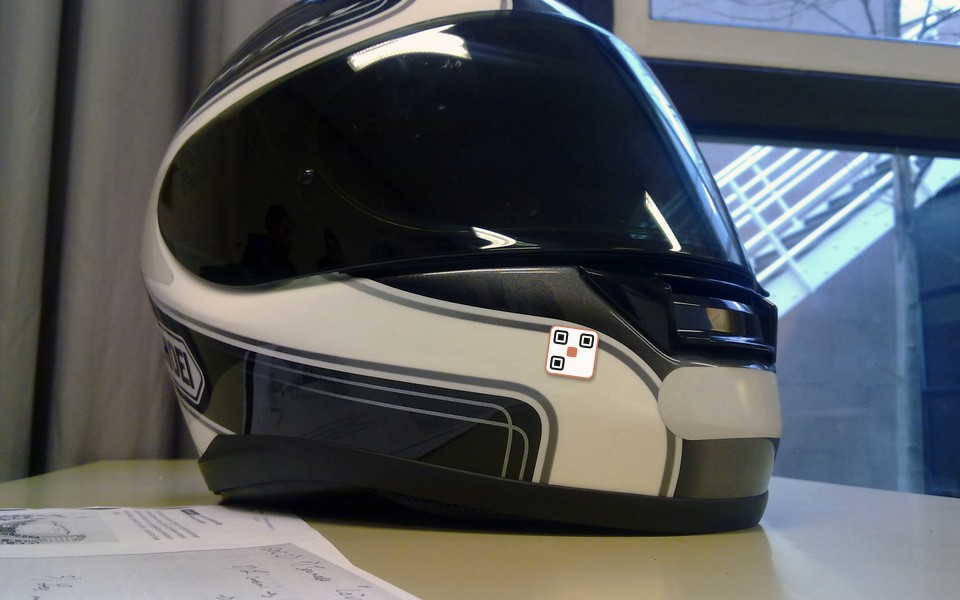
Where supported by the product instructions, a separate rider placement can provide another visible safety identity point.
The sticker begins as a physical product and becomes connected to a vehicle during activation.
Final placement should follow the instructions supplied with the VaahanSafe product and should never interfere with vehicle visibility, controls, safety equipment or legally required markings.
Privacy, activation, replacement and service continuity are treated as parts of the vehicle identity experience — not as background technical details.
VS-7F3K-9021
Controlled
Separate
Supported
Privacy
Your public safety view is designed around the supported information you choose to make available.
Activation
The public QR opens the vehicle identity journey. Retail activation uses separate concealed activation information.
Replacement
If a QR needs replacement, VaahanSafe can support moving the vehicle identity to a replacement QR through the applicable replacement process.
Continuity
VaahanSafe is designed so the public QR experience can be operated separately from non-critical website experiences.
The QR experience is designed as its own important product path, separate from experiences such as marketing, account administration and purchasing.
Service architecture and operational status are separate topics. Use the status page for current service information.
Explore product guidance, QR placement, privacy, activation and support — without having to understand the technology behind the platform.
Everything you need to understand and use VaahanSafe.
Product Guide
Understand the complete vehicle identity system.
GuideQuick Start
From account creation to a ready vehicle identity.
StartRetail Activation
Connect a pre-issued VaahanSafe QR to your vehicle.
ActivationQR Placement
Choose a visible, appropriate location on your vehicle.
PlacementSafety & Privacy
Choose useful information and understand data boundaries.
SafetyPlans, Orders & Support
Understand plans, purchases, shipping, refunds and replacement.
SupportFind the next step for activation, QR replacement, contacts, scan activity and account services.
Activate a retail QR
Already purchased VaahanSafe? Start the activation journey.
ActivationReplace a damaged QR
Understand the next steps when your current QR cannot be used.
ReplacementUpdate emergency contacts
Manage the contacts associated with your safety profile.
AccountUnderstand scan activity
Learn what scan-related information may appear in your account.
ScansPlans and account services
Understand the services available around your vehicle identity.
PlansStraightforward answers about the QR, scanning, privacy, activation and the vehicle identity behind it.
Your vehicle deserves an identity that can help when it matters. Get VaahanSafe for your vehicle, or activate a retail QR sticker you already have.
Add your vehicle and begin the VaahanSafe setup from your account.
Get VaahanSafeScan or activate the VaahanSafe sticker you already purchased.
Start activation