
Physical QR
A high-contrast marker provides a public entry point. The private activation proof stays separate.
Loading VaahanSafe Experience...
A physical QR, a secure owner account and a carefully controlled public safety view work together as one product.
VaahanSafe makes a vehicle easier to identify and respond to without turning its QR into a container for personal information.
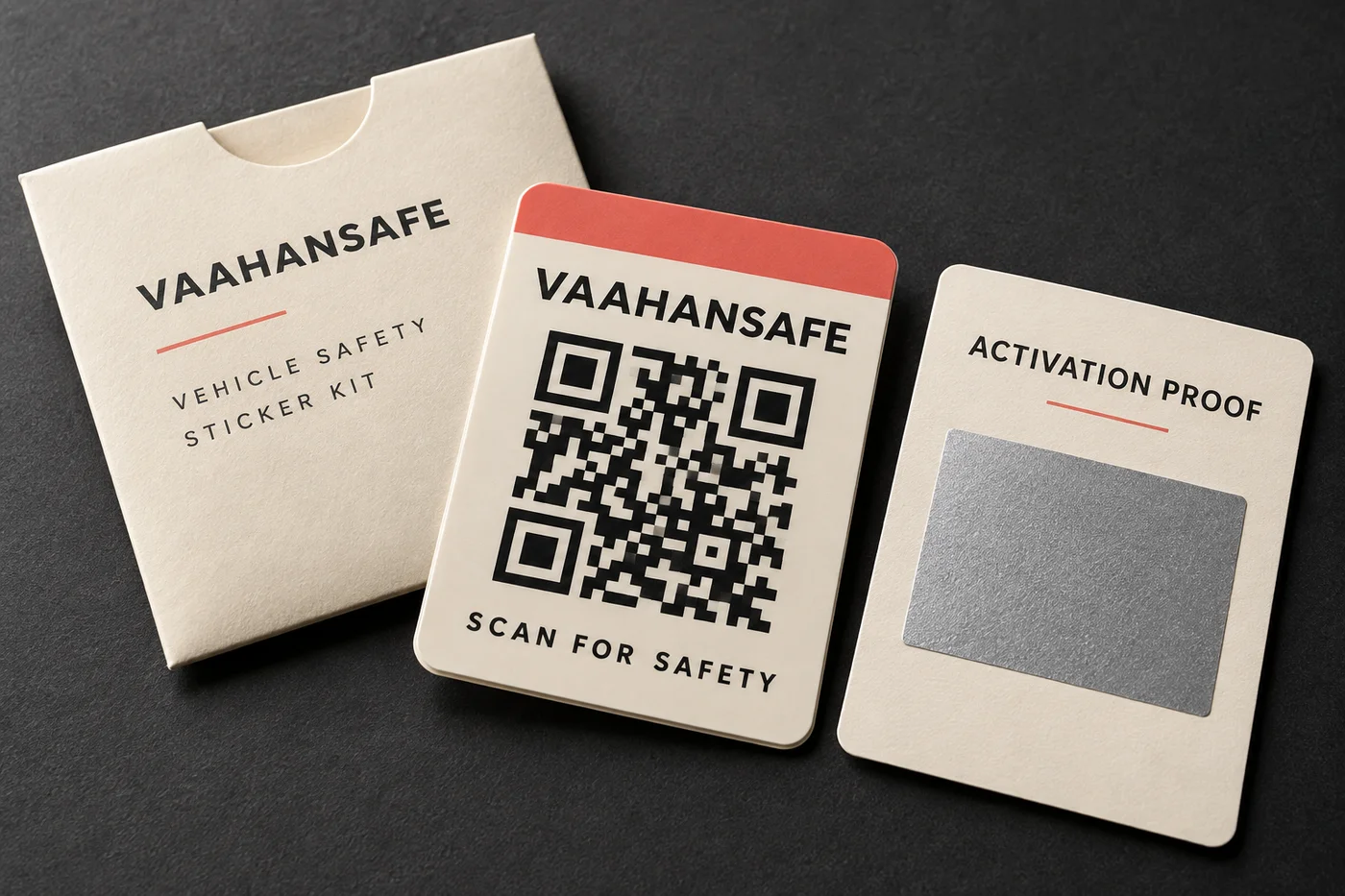
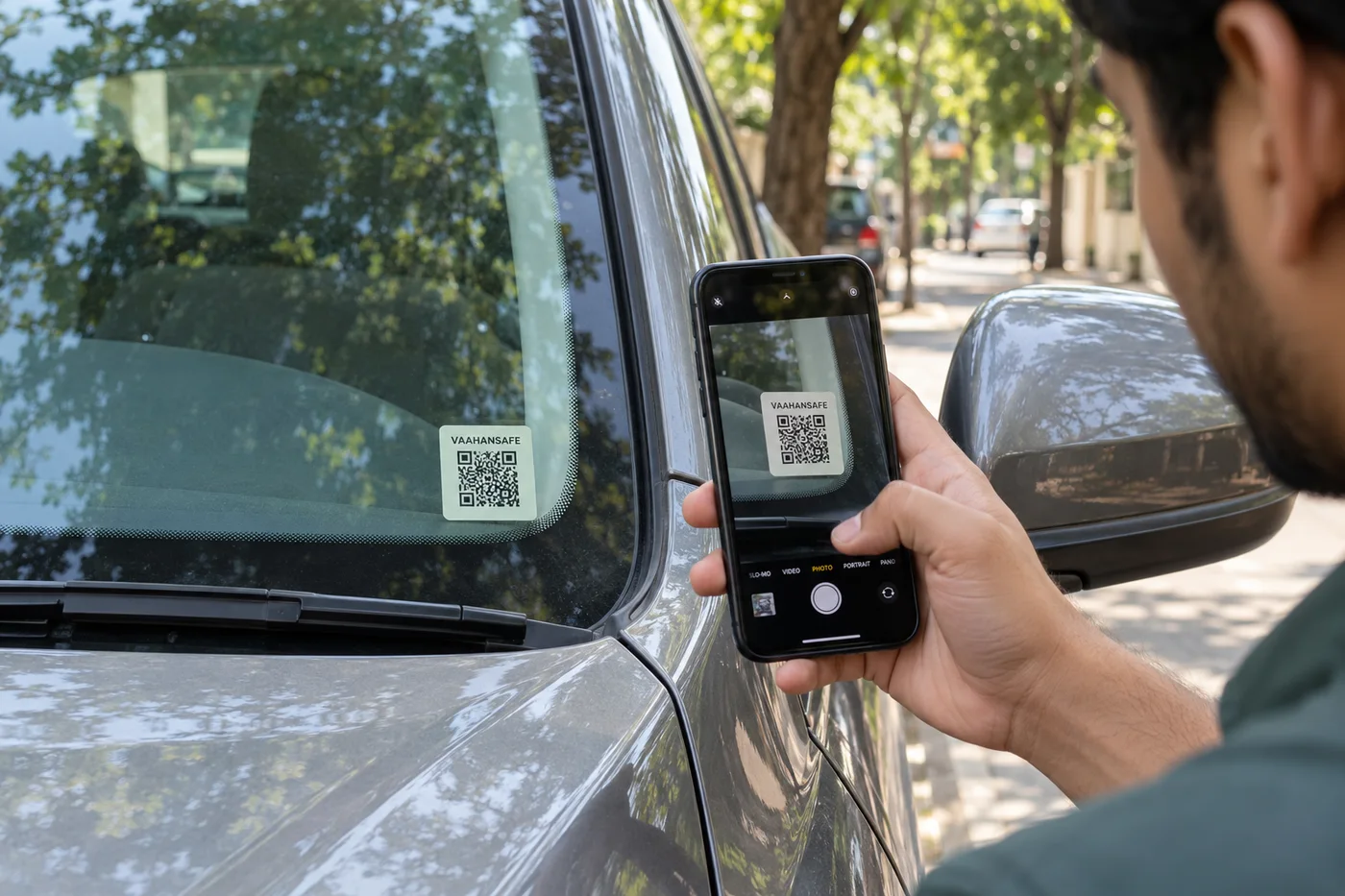
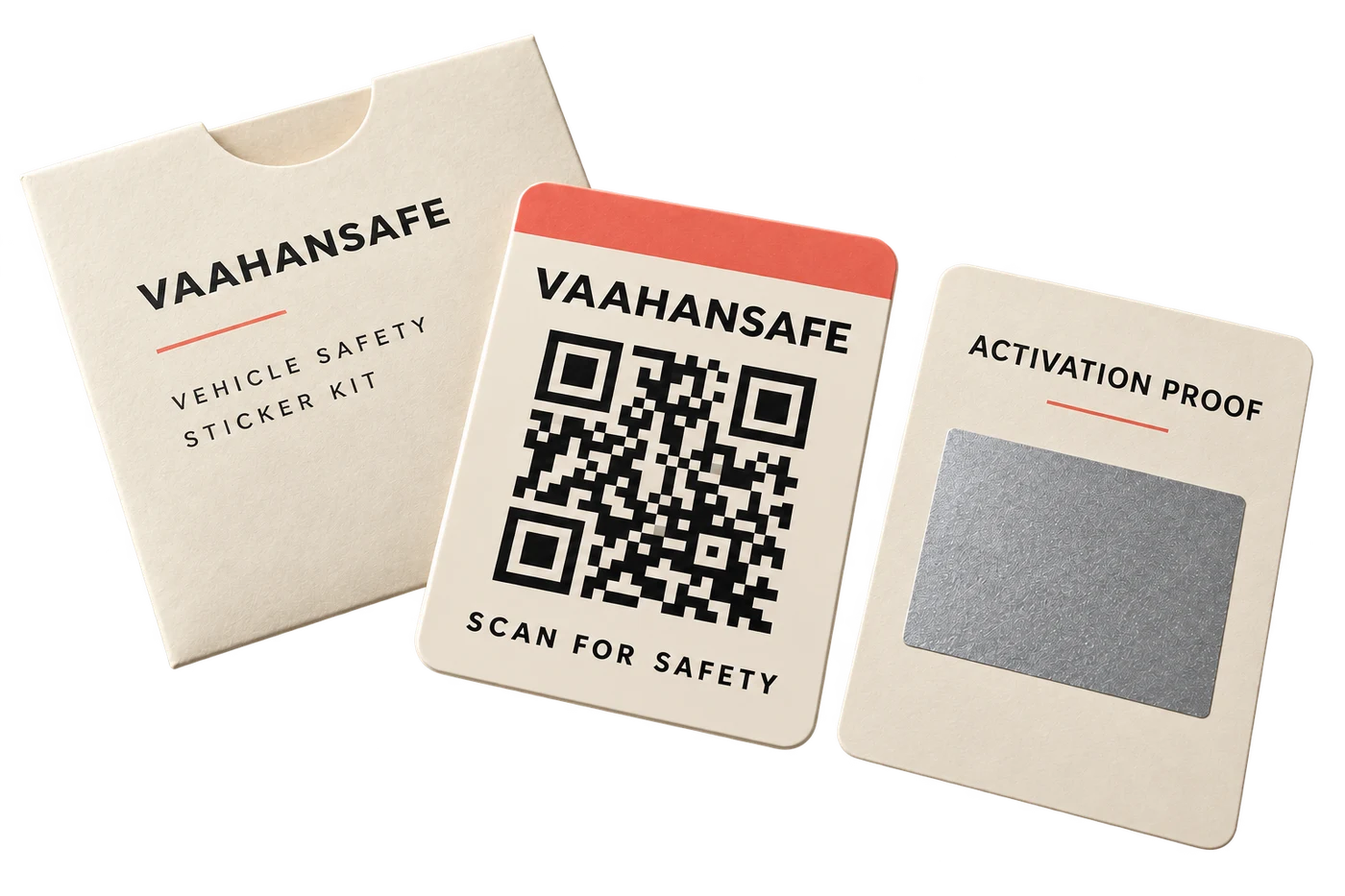
A high-contrast marker provides a public entry point. The private activation proof stays separate.
Manage the vehicle, its emergency contacts and visibility choices in the customer app.
A scanner sees a focused view of information the owner permits, subject to service availability.
A replacement QR can be linked through an authorized process if the physical marker is lost or damaged.
VaahanSafe connects a physical mark on your vehicle to a safety identity you manage online.
The sticker gives someone a place to begin when they find your vehicle. Its QR opens a web page with the information and contact options available for that vehicle. The person scanning does not need to install the customer app.
Your owner account is where you manage the vehicle, contacts and visibility settings. A public scan does not open that account or allow someone to change your information.
The QR is public. The account and activation proof are private.
A QR identifies the sticker. It does not contain your phone number, address, medical notes or payment details. VaahanSafe looks up the relevant safety view when the code is scanned.
A retail kit includes a separate activation proof. Keep this concealed until you are ready to activate your kit through the official service. Never send the proof in a support email or put it in a photo you share online.
Read the privacy approachKeep your vehicle information and chosen contacts current, and test the scan on the vehicle.
Review the public view after installation. Check that the sticker can be scanned in its actual position and that the details shown are appropriate for a stranger to see.
Contact availability depends on your settings, QR status and the services attached to your account. A sticker purchase, physical delivery and an optional subscription are different parts of the product; check each status in your account.
A visible sticker helps only when it remains legible and the linked services are available.
If the sticker is damaged, lost or removed, use the replacement guidance rather than copying another person's QR. A replacement needs to be connected to the correct vehicle through the authorized process.
VaahanSafe is an information and contact tool. It does not guarantee a scan, a notification being delivered, a contact answering, or an emergency response.
Read replacement guidanceA scanner can open the public safety view in a phone browser. Managing the vehicle or activating a retail sticker requires an authenticated owner account.
Account settings manage the information behind the QR. Review the options available in your account; changing a profile is separate from replacing the physical sticker.
No. Review the checkout offer and plan details. Optional subscription capabilities are separate from the QR acquisition.